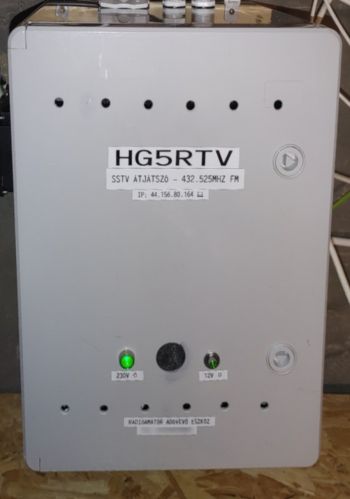
HG5RTV SSTV Repeater

Who may use the repeater?
Reception: Anyone may receive the repeater who has an FM receiver capable of narrowband FM (NFM) reception on 432.525 MHz, and has suitable software for SSTV decoding.
(Please do not use wide-FM (WFM) mode, as SSTV signals will be distorted and cannot be decoded properly.)
Transmission: Only individuals holding a valid amateur radio callsign may transmit into the repeater.
The SSTV software must be configured with the operator’s licensed callsign, including any required portable or location suffix (e.g. HG5XYZ or HG5XYZ/P).
Receiving the status image:
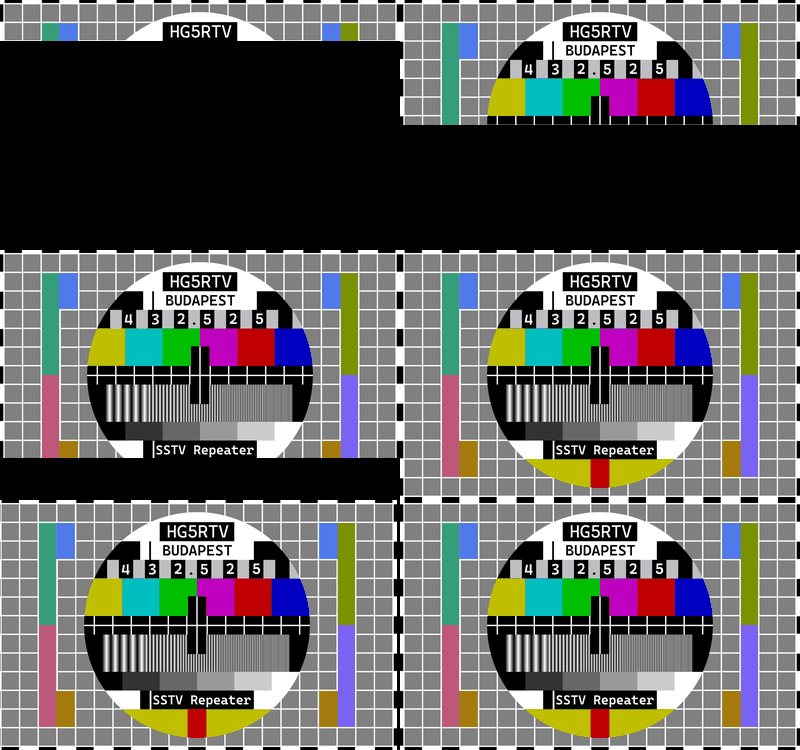
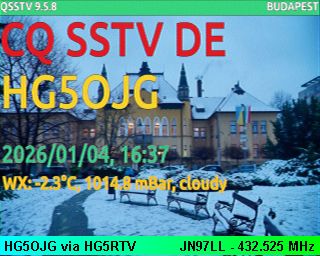
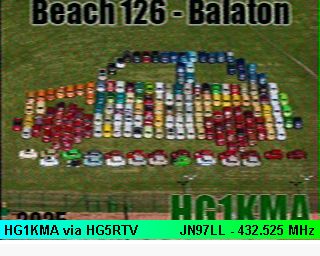
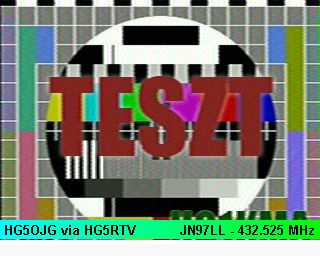
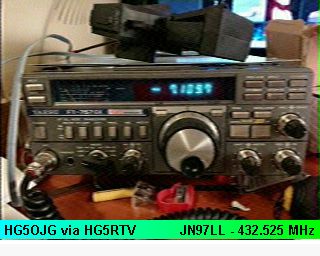
The repeater transmits a status image (beacon) every 10 minutes in Martin-2 mode.
Send an image to the repeater:
The repeater is activated by sending a 1750 Hz tone (minimum 1.5 seconds) generated from the SSTV client transmit interface.
After receiving the call tone, the repeater sends its identification in FM CW, then goes silent.
Upon hearing the CW ID, the operator should count to two and start transmitting (TX image) within 4 seconds.
Please enable the transmission of FSK ID in your SSTV software so the repeater and the website`s statistics system can correctly detect your callsign.
Where to find it?
• MMSSTV: bottom of main window → `TxID` checkbox
• QSSTV: QSSTV automatically sends an FSKID at the end of the transmission if the callsign is set in Configuration → Operator, and the CW option (Send CW at end) in the TX window is disabled.
There is no separate FSKID switch; FSKID is sent automatically when these conditions are met. Please use QSSTV version 9.3 or newer.
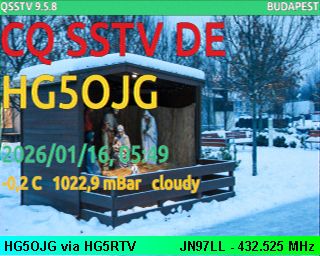
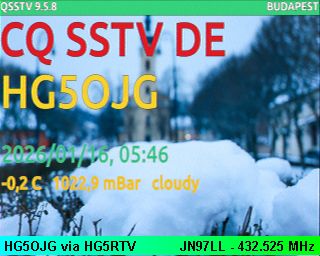
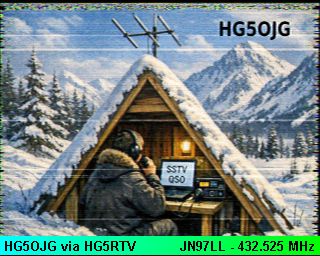
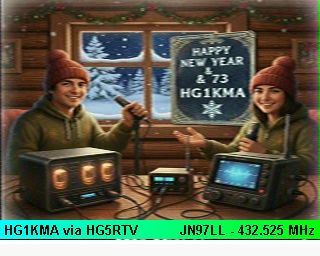
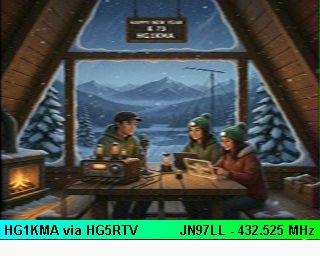
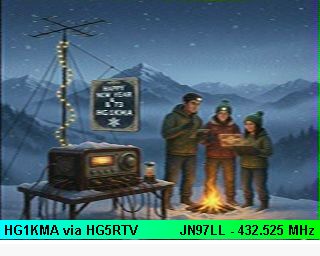
After receiving the image, the repeater appends its own banner to the bottom of the picture and retransmits it in the same mode it was received.
Once retransmission is complete, the repeater returns to standby awaiting the next activation.
Recommended SSTV Modes for Use with the Repeater:
For optimal repeater operation and good image quality, the following SSTV modes are recommended:
Martin-1
Recommended software for using the SSTV repeater:
• MMSTV (Windows XP – Windows 11)
• QSSTV (sw ver. 9.3-) (Linux)
• Robot36 – SSTV Image Decoder (Android, receive only)
Station manager:
HG5OJG Gergo
1. What kind of content may I transmit through the repeater?